Create Swords Players & Community
Group context, busy-server tips, and social habits for ADEM Games' forge simulator.
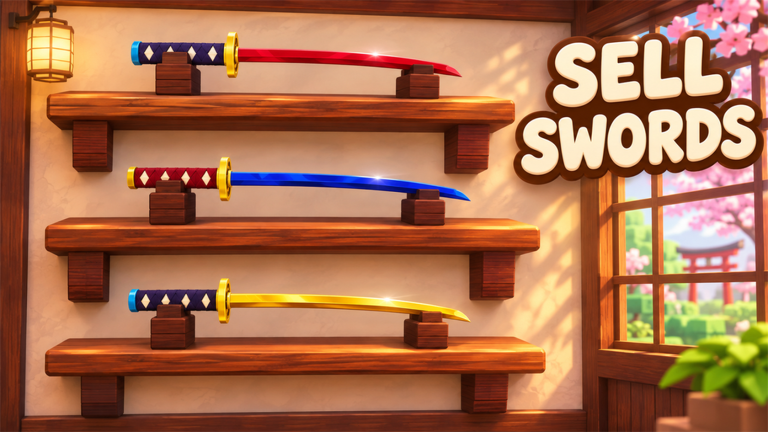
Playing Create Swords with others
Create Swords! caps servers at six players, so every lobby feels like a small forge hall rather than a megaserver. That small cap makes community habits matter: polite roll-station etiquette, sharing working codes, and knowing when to hop during Thanksgiving spikes all improve your session.
This hub covers the ADEM Games creator context, multiplayer tips, and where to watch for social drops.
Creator and group
Create Swords is published by the ADEM Games Roblox group (universe ID 10769630190, place ID 93453899201090). Group pages and game description shout-outs are the first place milestone codes appear — including visit goals and concurrent-player celebrations like 1KCCU.
Favorite the experience and follow the group so Roblox surfaces update notifications. Official links also live on the Links Hub.
Six-player server etiquette
With only six slots:
- Do not block the metal roll UI if someone else is clearly finishing a pull.
- Leave space around the forge anvil during hand-craft minigames.
- Share confirmed codes instead of expired rumor lists.
- Hop servers if the lobby is lagging rather than arguing over stations.
During explosive chart moments — Create Swords crossed thousands of concurrent players in late November 2026 — hopping is a skill. Quiet servers mean faster rolls and cleaner forge timing.
What strong players optimize
Top-feeling sessions usually combine:
- Instant code redemption (Codes Hub).
- Sorted metals (Metals Guide).
- Workers on B-tier fuel (Hire Workers).
- Personal crafts on A/S metals (How to Forge).
- Smart sells to higher buyers (Sell Swords).
- Tier awareness (Tier List).
If a teammate in your lobby is printing coins, watch their sell timing more than their cosmetics.
Finding teammates and tips
- Roblox game impressions and group wall posts from ADEM Games.
- In-experience chat for short questions (“is THANKSGIVING still live?”).
- This wiki’s Updates page after patches.
- Guide comments you keep privately — write down what worked in your last 30-minute session.
Avoid random executable files people drop in chat. If you care about automation, read the warnings on the Scripts page first.
Alternate accounts and experimentation
Some players keep a clean main for progress and a test account for risky UI experiments or scripts. If you do that, still redeem codes on both — free 2x coins help every profile. Never share passwords or account cookies when trading tips.
Community goals worth tracking
| Signal | Why it matters |
|---|---|
| New codes in the description | Free multipliers |
| Concurrent player spikes | Expect busy servers + milestone codes |
| Visit milestones | Often unlock celebration rewards |
| Event title tags (turkey, etc.) | Limited-time economy changes |
Create Swords had roughly a quarter million visits within its first two months and strong like ratios, so community energy is real — channel it into better forge habits, not rumor chains.
How this wiki helps players
We keep locale-complete pages for English, French, German, Spanish, and Brazilian Portuguese so international lobbies can share the same strategies. Start new friends on Getting Started, then send them to Codes and the Tier List.
Play fair, hop when crowded, and treat every lobby like a shared smithy. That is how Create Swords communities stay useful while the game is still climbing Roblox charts.
Frequently Asked Questions
Quick answers for Create Swords forgers.
Who made Create Swords?
ADEM Games publishes Create Swords! on Roblox as an incremental forge simulator.
How many players are in a Create Swords server?
Servers support up to six players, so hopping during busy events often improves forge access.
Where do players find new codes?
Check the official Roblox description, ADEM Games group posts, and the Codes Hub on this wiki.